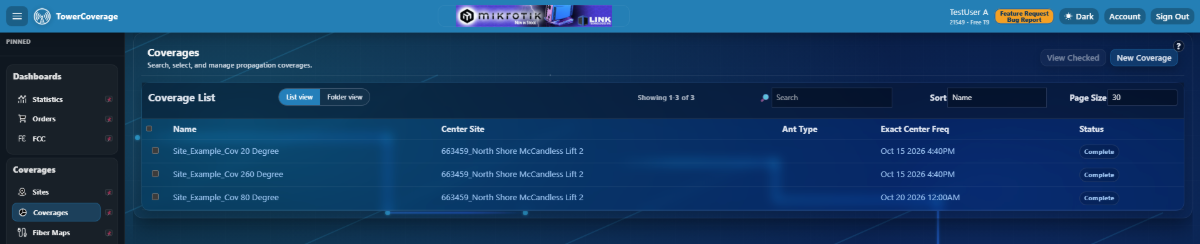
User View Restriction
Admins have the the ability to limit viewing privileges for Input and Read Only Account types.
Admins can restrict access to specific Sites, Coverages, MultiCoverages, Fiber Maps, Devices, Polygons, and Links.
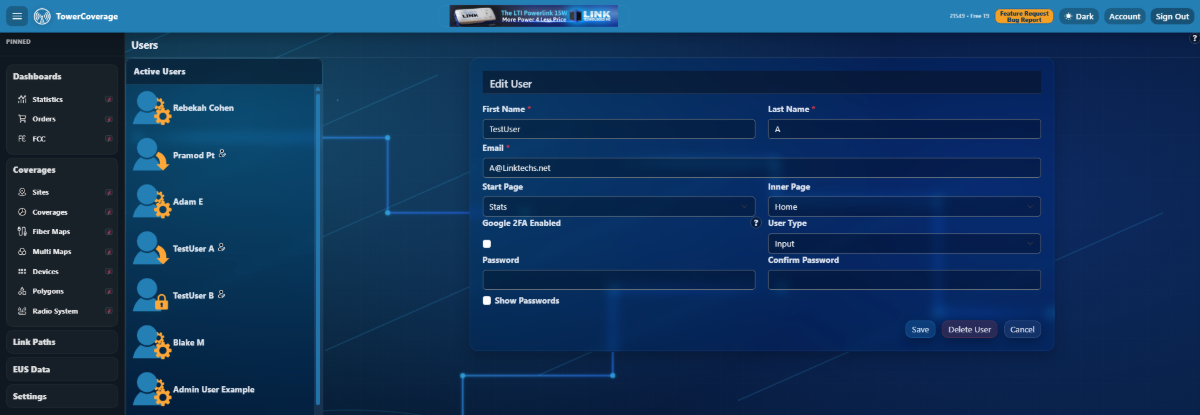
Restrictions can be implemented under Account >> Users by clicking the small edit icon next to the users name.
Each section contains a list of items that can be checked or un-checked to implement the restricted views.
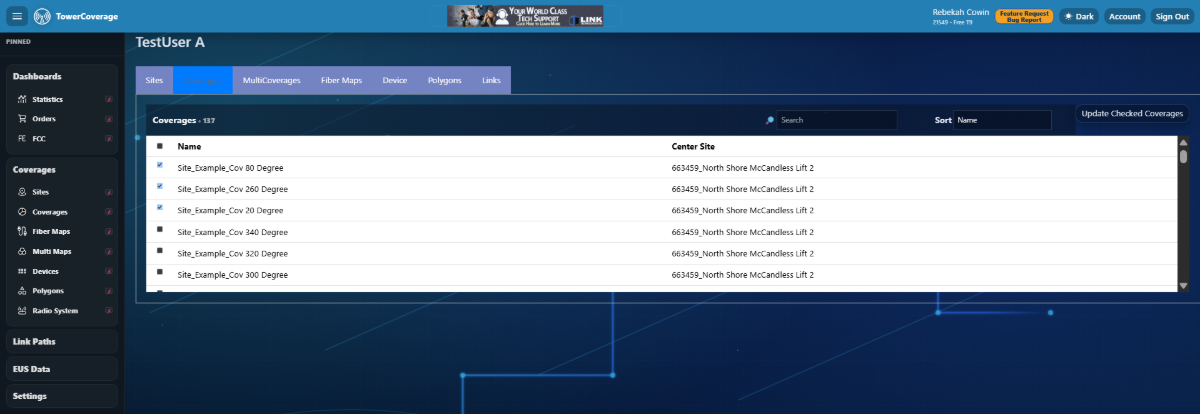
Save the changes by clicking the “Update Checked” button for each section.